Best Узбережжя in Мексика
Watch live streaming узбережжя cameras across Мексика. Enjoy the best real-time views available online.
Latest Cameras
13 streams found

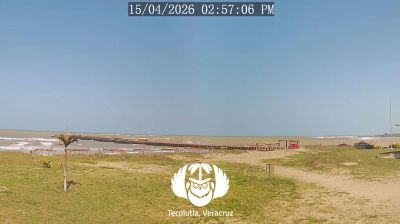
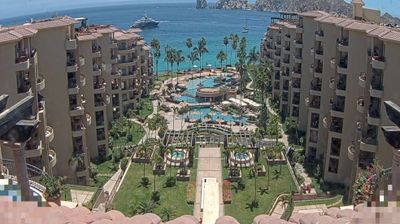
Discover Узбережжя in Мексика
Whether you're checking conditions for a weekend getaway or just enjoying the view, our collection of узбережжя webcams in Мексика offers the best real-time experience available online. Stay updated with live weather changes and crowd activity.

About Мексика
Ме́ксика, офіційно Мексика́нські Сполу́чені Шта́ти — країна в південній частині Північної Америки. Межує на півночі зі Сполученими Штатами Америки; на півдні й на заході омивається Тихим океаном; на південному сході — з Гватемалою, Белізом і Карибським морем; на сході — омивається Мексиканською затокою. З територією площею 1 972 550 км2, є 13-ю за площею країною у світі, яка має близько 128 649 565 жителів, що робить її 10-ю країною за чисельністю населення світу та найнаселенішою іспаномовною країною. Мексика — федеративна конституційна республіка, яка складається з 31-го штату та м. Мехіко, яке також є найбільшим містом країни. Інші основні міські агломерації включають Гвадалахару, Монтеррей, Пуеблу, Толуку, Тіхуану, Сьюдад-Хуарес та Леон.
📖 Read more on Wikipedia