
Filter by Category in Марокко
Latest Cameras in Марокко

 Oukaimeden ⵓⴽⴰⵢⵎⴷⴰⵏ أوكايمدن
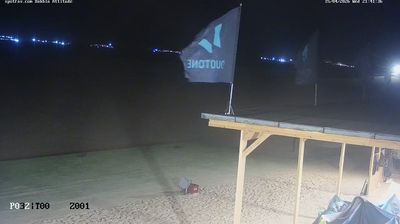
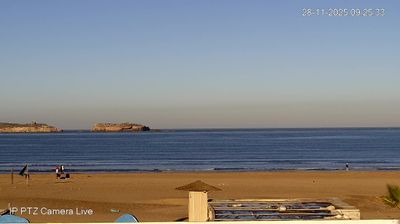
Why Visit Марокко Virtually?
Planning a trip to Марокко? Or maybe you just miss home? Our curated list of live streams provides high-quality views of the local regions and cities. Check the live weather, see what locals are up to, and enjoy the beautiful views 24/7.

About Марокко
Маро́кко, офіційна назва — Королі́вство Маро́кко — країна на півночі Африки, зі столицею у Рабаті. Межує на півночі з Іспанією ; на сході і південному-сході — з Алжиром; на півдні — із Західною Сахарою, в минулому іспанською провінцією, яку в 1975 році розділено між Марокко і Мавританією, а в 1979 році анексовано Марокко. Марокканський берег омивається Атлантичним океаном, та через Гібралтарську протоку переходить до Середземного моря. Кордони сучасного Марокко в деякій їх частині понині залишаються спірними. Площа — 458 730 км², або 710 850 км², якщо врахувати спірну територію Західної Сахари. Станом на липень 2020 року населення Марокко з урахуванням Західної Сахари становить 36 910 560 осіб.
📖 Read more on Wikipedia