Ньїредьгаза: Bujtos: Nyíregyháza, Szegfű út -> Debrecen
 Ньїредьгаза, Угорщина
Real-Time Environment
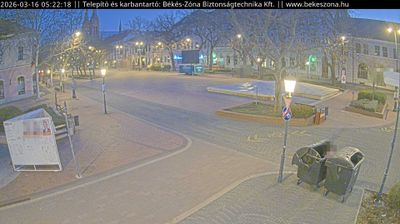
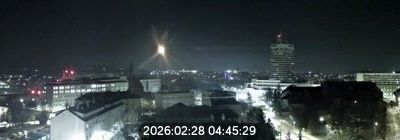
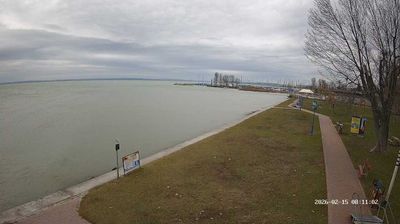
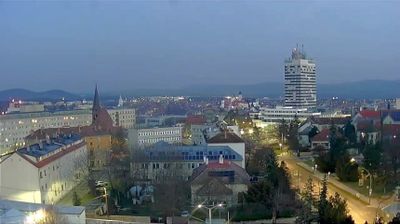
Welcome to the live streaming webcam for Ньїредьгаза: Bujtos: Nyíregyháza, Szegfű út -> Debrecen, perfectly situated in the vibrant region of Ньїредьгаза, Угорщина. Watching this live camera allows you to instantly experience the local atmosphere and monitor current climate conditions.

About Ньїредьгаза
Ньїредьгаза — місто на північному сході Угорщини, у над-регіоні Північний Великий Альфельд, адміністративний центр медьє (області) Саболч-Сатмар-Берег, центр кістерсеґу (району) Ньїредьгаза. Населення міста становить 118 058 осіб (2016). Сьоме за населенням місто Угорщини, одне з найбільших на північному сході країни. До Першої світової війни з 1867 року місто було центром комітату Сабольч, після адміністративної реформи стало центром медьє Саболч-Сатмар-Берег.
📖 Read more on Wikipedia📍 Location Facts
-
Country
 Угорщина
- Region Північний Великий Альфельд
- City Ньїредьгаза
- Coordinates 47.9563°N, 21.7283°E
Have you been to Ньїредьгаза?
Help the community! Share your experience, tell us about the weather, or upload your own photos from this exact location.